Top 10 free AI-powered meeting notetakers in 2025
Discover the top free AI-powered meeting notetakers and boost productivity, capture key points, and simplify team collaboration.
Meetings are everywhere. Whether it’s internal team syncs, client calls, interviews, or webinars, capturing what was said, decisions taken, and next steps is critical. But manually taking notes drains mental energy and distracts you from participating.
Here’s where AI-powered meeting notetakers come in. These tools automatically listen, transcribe, summarize, extract action items, and let you focus fully on the conversation. Many of these tools offer free plans (or generous free tiers) with enough features to get serious value.
In this blog, we present 10 free AI meeting notetakers worth considering in 2025, with their features, cost, and tips on choosing. Let’s dive in so you can choose the best app to take meeting notes.
What to look for in an AI meeting notetaker?
Before listing tools, here are Key features you, as a business or working professional, should look for:
- Accurate transcription and speaker attribution: It should correctly capture multiple speakers and label who said what.
- Summarization/highlights/action items: Beyond raw transcript, the tool should extract outcomes, tasks, and decisions.
- Platform integrations/auto join: It should work with Zoom, Google Meet, Teams, or auto-join your scheduled meetings.
- Free/freemium plan: A usable free tier that doesn’t restrict everything.
- Data privacy and security: How your meeting data is stored, processed, whether it’s encrypted, whether the vendor uses your data for model training, etc.
- Ease of use and UI: Minimal setup, smooth workflow, intuitive interface.
- Export, search, sharing features: You want to export notes, search past meetings, clip important moments, and share with the team.
Top 10 free AI-powered meeting notetakers
Keeping accurate meeting notes is essential but time-consuming. AI-powered meeting notetakers can automatically transcribe, summarize, and highlight key points, helping professionals stay organized and focused, without lifting a finger. Here, listed are the top meeting notetakers you can use for free.
1. Metanotes.ai
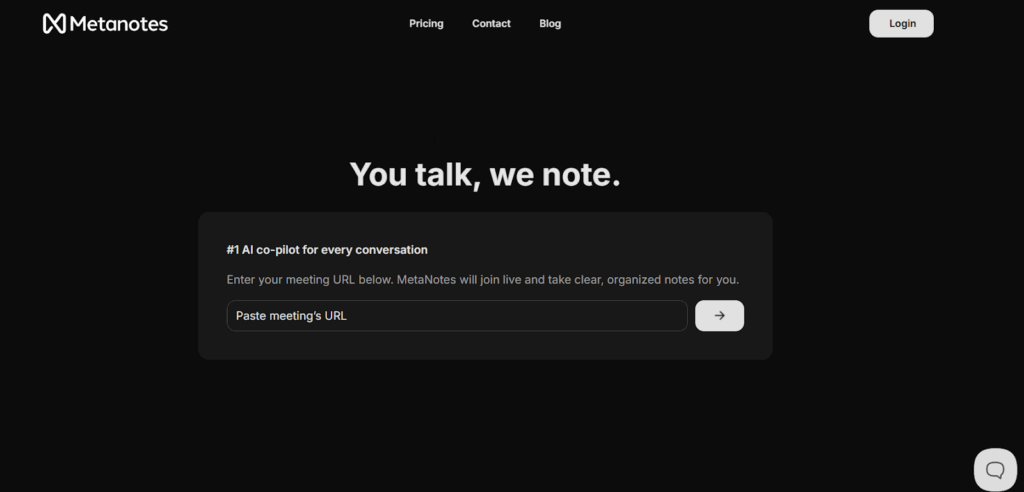
Metanotes AI is an intelligent meeting assistant that joins your Zoom, Google Meet, or Microsoft Teams calls to capture and organise conversations automatically. It provides real-time transcripts, AI-powered summaries, and flags key topics and action items, making meetings more productive and documentation effortless.
Key features
- Real-time transcription with speaker attribution (≈ 97 % accuracy)
- One-click AI summaries highlighting decisions, next steps and key points
- Smart topic tags and keyword extraction for easy navigation of long transcripts
- Trends, sentiment analysis, and conversational insights to surface patterns
- Seamless integrations and sharing
2. tl;dv
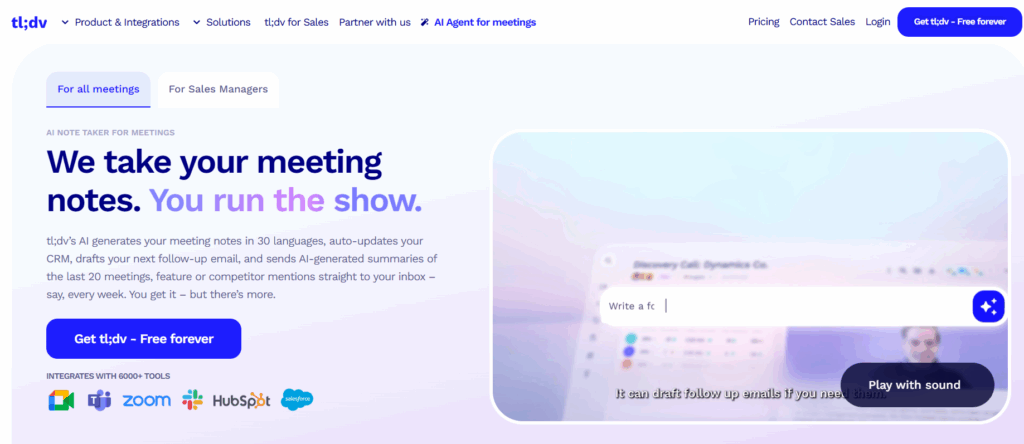
tl;dv is an AI meeting notetaker that joins and records your meetings (Zoom / Google Meet / Teams), transcribes them, and generates summaries and highlight clips. It aims to automate post-meeting follow-ups by integrating with CRM, drafting follow-ups, and giving multi-meeting insights. Its free tier is relatively generous and often used by individuals and small teams.
Key features
- Unlimited meeting recording and transcripts in 30+ languages (on free plan)
- AI moment summaries, highlight clips, timestamped segments
- CRM and workflow integrations (auto logging, follow-ups, API / Zapier)
- Multi-meeting insights and cross-meeting AI summaries
- Clip/share moments, embed in docs, Slack integrations, search transcripts
Cost
tl;dv offers a Free Forever plan with core features; paid plans start at ≈ US$29 per seat/month for the Pro tier.
3. Fathom
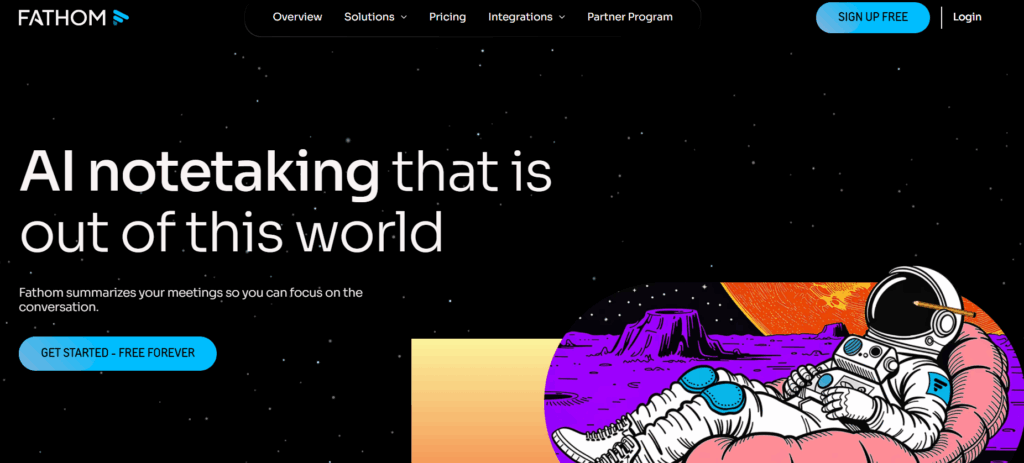
Fathom works as an AI assistant for your meetings (Zoom, Google Meet, Teams) that records, transcribes, and auto-summarizes your calls. It’s focused on letting you “never take notes again” by delivering summaries, action items, and searching across calls. Its free plan is quite generous, though advanced AI features are behind paywalls.
Key features
- Unlimited recording and transcription across many calls (free plan)
- AI meeting summaries (advanced summaries up to a certain count in the free plan)
- Clip-making, playlists, search over calls
- Integrations (CRM sync: HubSpot, Salesforce, Zapier, others)
- “Ask Fathom”, the ability to ask questions across your meeting transcripts/content
Cost
Fathom offers a free plan with basic transcriptions and limited summaries; paid plans begin around US$19/user/month for more advanced meeting AI features.
4. Otter.ai
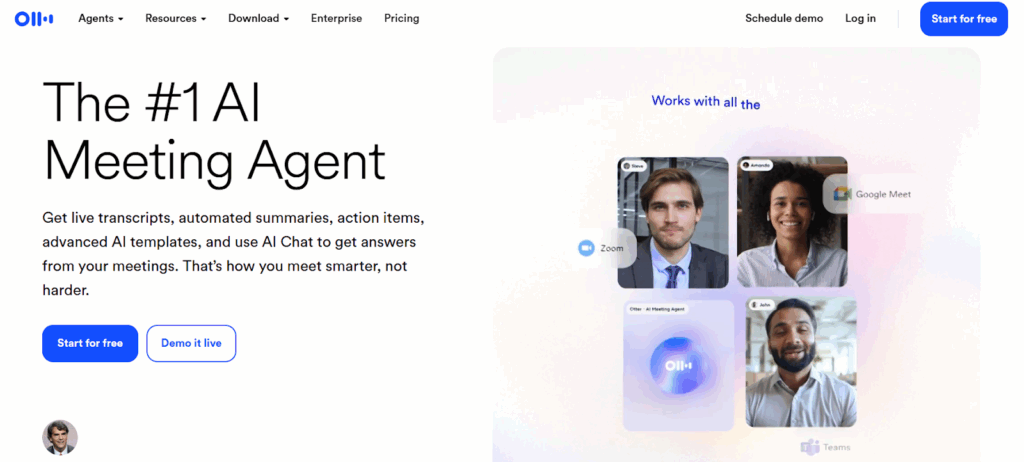
Otter is a mature AI transcription and note-taking platform that works (web, mobile) and integrates with Zoom, Teams, Google Meet, etc. It generates live transcription, speaker attribution, searchable transcripts, and AI meeting summaries. Many users rely on Otter as a reliable baseline tool.
Key features
- Real-time transcription and speaker identification
- Automated AI meeting summaries and “Otter meeting agent” type tools
- Integrations with Zoom, Teams, Google Meet, Slack, import audio/video files
- Search, keyword filtering, playback, editing of transcripts
- Multi-device support (mobile, web), basic AI chat across meetings
Cost
Otter.ai offers a free Basic plan (with limited transcription minutes etc.); the Pro plan starts at US$16.99/user/month (monthly billing) or around US$8.33/user/month if billed annually.
5. Krisp AI Note Taker
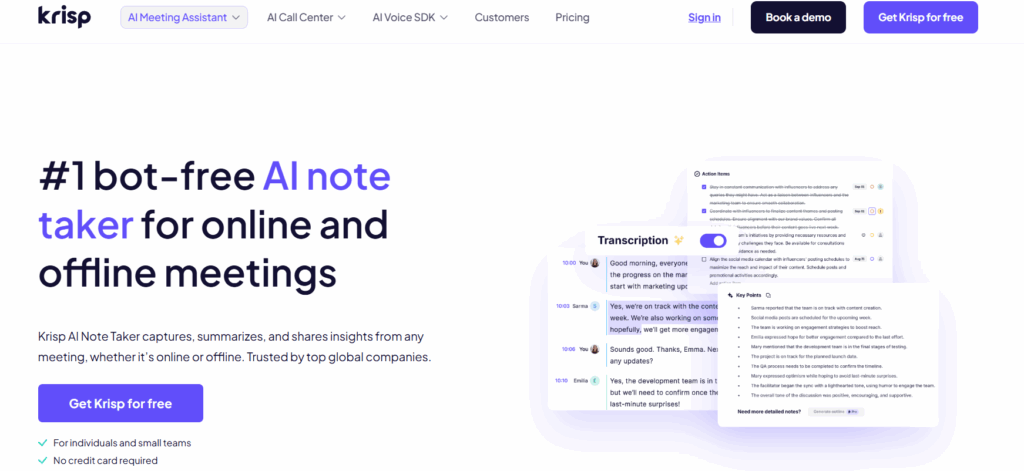
Krisp, best known for noise cancellation in calls, also offers a bot-free AI note taker that transcribes meetings, generates summaries and action items, with support for both online and in-person meetings. It emphasizes privacy (no meeting bots needed).
Key features
- Bot-free transcription and notes (i.e., no bot joining your meeting)
- Summaries, action item extraction, and discussion item capture
- Supports meetings via any voice app or offline recording
- Multiple language support (16+ languages)
- Integrations with CRMs, productivity apps (HubSpot, Salesforce, Asana, Notion, etc.)
Cost
Krisp offers a free trial/entry-level usage; the Pro plan starts at about US$16/month per user.
6. Tactiq
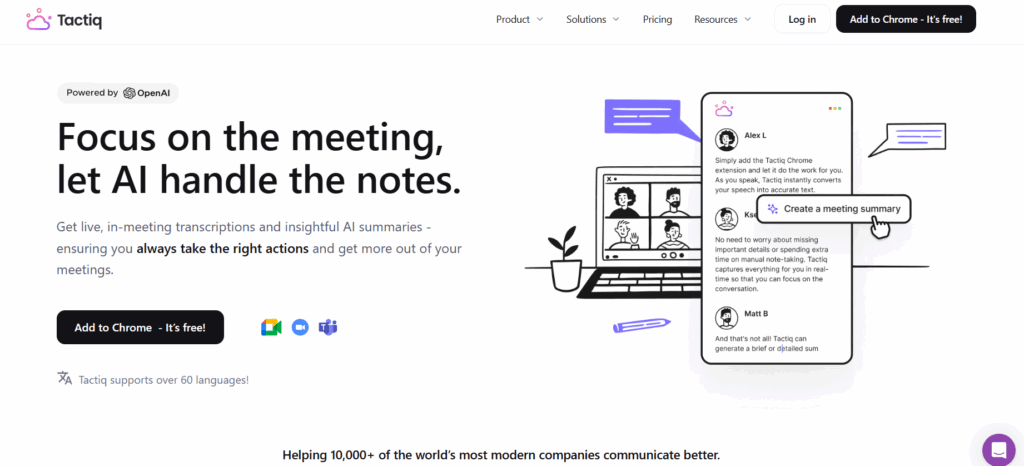
Tactiq works as a browser extension (for example on Chrome) that captures live transcripts during meetings (Google Meet, etc.) and lets you apply AI summarization, highlight, and export. It is lighter-weight compared to full-bot notetakers, ideal for users who want minimal overhead.
Key features
- Live transcription capture during meetings (in browser)
- AI summaries / highlight extraction via “AI credits”
- Export transcript, share / download options
- Ability to ask questions / “Ask AI” about meeting content
- Basic meeting organization (limiting number of meetings, AI credits)
Cost
Tactiq offers a Free plan with limited transcripts (10/month) and 5 AI credits; its paid plans start at US$12/user‑month for unlimited transcripts and 10 AI credits.
7. Jamie AI
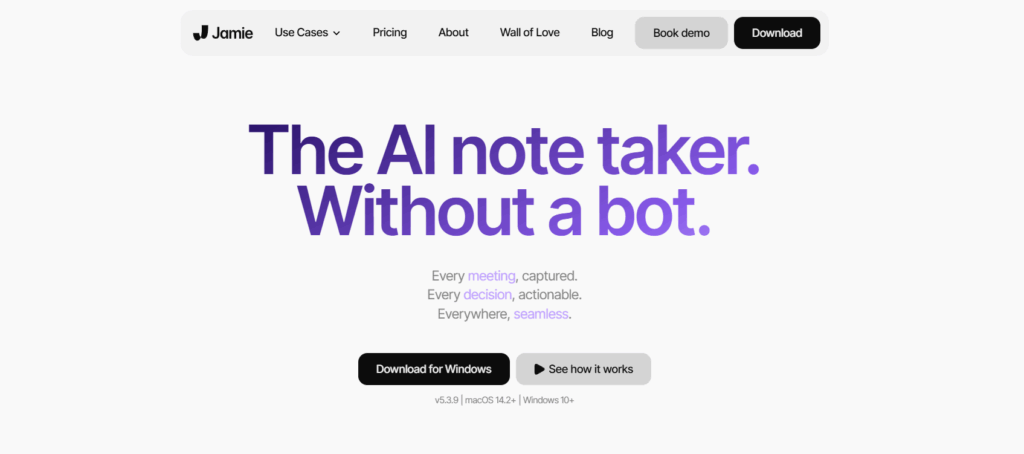
Jamie AI is a bot-free AI meeting assistant that works in the background (online or offline) to transcribe meetings, generate summaries, detect action items, and let you search across past meetings. It positions itself strongly on privacy and making AI meeting insights accessible.
Key features
- Transcription + AI summaries + action item extraction in each meeting
- Bot-free design (no meeting bot join)
- Search / query past meeting content, “assistant messages” to interact with meeting data
- Multi-language support, domain adaptation for specific vocabulary
- Ability to set templates, prompt presets, and export transcripts / summaries
Cost
Jamie AI offers a free plan with 10 meetings/month and 30-minute limit; paid plans begin at $28/user-month for more meeting credits and longer durations.
8. Read.ai
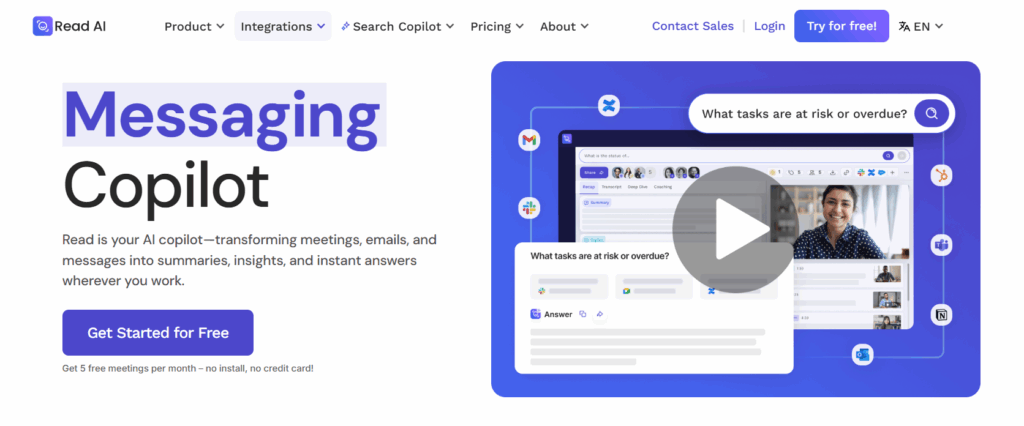
Read.ai focuses on not only transcribing and summarizing meetings but also giving analytics, engagement insights, and a “Search Copilot” to query across meeting content, email and chat. It’s meant for teams wanting deeper meeting intelligence, not just raw notes.
Key features
- Meeting transcription + summaries (action items, highlights)
- Search Copilot unified AI search across meetings, emails, chat
- Engagement metrics, sentiment analysis, topic progression
- Basic integrations (Slack, Zoom, Teams, CRMs)
- Workspace/team features, shared transcripts, and report generation
Cost
Read.ai offers a Free plan with 5 meeting transcripts/month, summaries, and search; its Pro plan starts at US$15/user-month for unlimited transcripts and premium integrations.
9. Grain
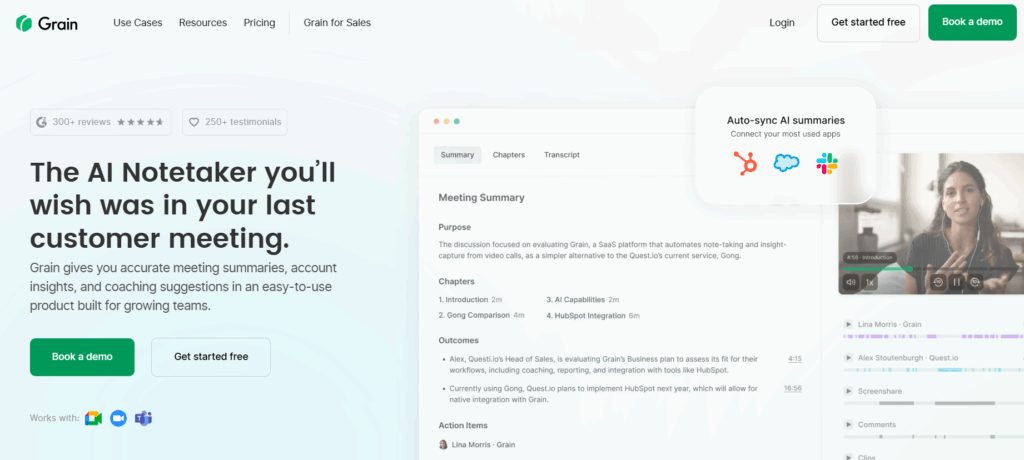
Grain is built for teams, especially sales / customer-facing teams, to record, transcribe, and highlight key moments from video calls. It offers clipping, highlight reels, shared libraries, and CRM syncing to help teams share insights faster.
Key features
- AI meeting notes + transcription
- Highlight/clip creation, video highlight reels, or playlists
- CRM integration / auto-logging of call notes (HubSpot, Salesforce, etc.)
- Meeting templates, live notepad, comment/collaboration within meeting content
- Performance/conversation intelligence (talk time, trends, topic frequency)
Cost
Grain offers a Free plan with limited recordings and AI notes; its paid plan starts at US$19/seat-month for full features.
10. Notta
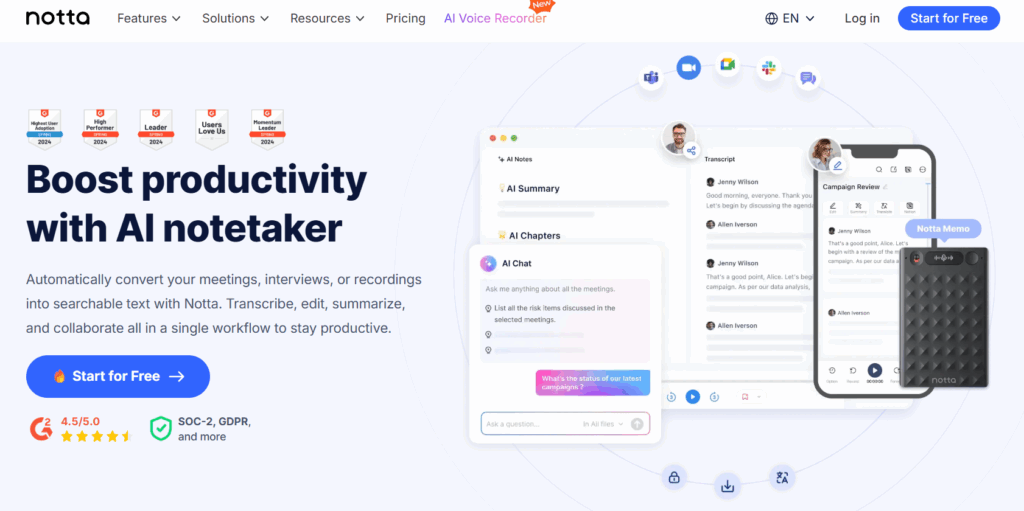
Notta is a versatile transcription and note tool that supports meeting capture (Zoom, Teams, Webex, etc.), and can generate summaries, highlight action items, and export transcripts. It’s used both for meetings and general audio transcription.
Key features
- Live meeting transcription and speaker identification
- AI summaries, decision/action item extraction
- Export, edit transcripts, time-stamped notes, shareable snippets
- Multi-platform support (Zoom, Google Meet, Teams, Webex)
- Custom vocabulary, transcript translation, file uploads, and automations
Cost
Notta offers a Free plan (with limited minutes, etc.); its Pro plan starts at US$8.17/month (billed annually) for extended transcription limits and export features.
Final thought
AI-powered meeting notetakers have truly transformed the way professionals capture, organize, and act on meeting information. From fully automated transcripts to AI-generated summaries and actionable insights, these tools save time, reduce human error, and improve team productivity.
By adopting one of these tools, you can focus more on collaboration and decision-making, and less on manual note-taking. Whether you’re a solo entrepreneur, part of a growing team, or managing large-scale corporate meetings, there’s a solution here to make every meeting more productive and actionable.
If you want a personalized recommendation, tell us:
- The meeting platforms you use (Zoom / Google Meet / Teams / in-person),
- Average meeting length and quantity per week, and
- Whether you need integrations (Asana, Slack, CRM).
We’ll recommend the single best free option (and a backup) based on your workflow. Get in touch now!